
Campaign Management
Newsletter Management
In This Tutorial
What Is a Newsletter Subscriber?
They are users who follow the updates on your site. In more detail, they are users who want to be informed about the campaigns you create on your site, the new products you put on sale, the innovations you make, and so on.
Where Is the Newsletter Subscriber Sign-Up Area?
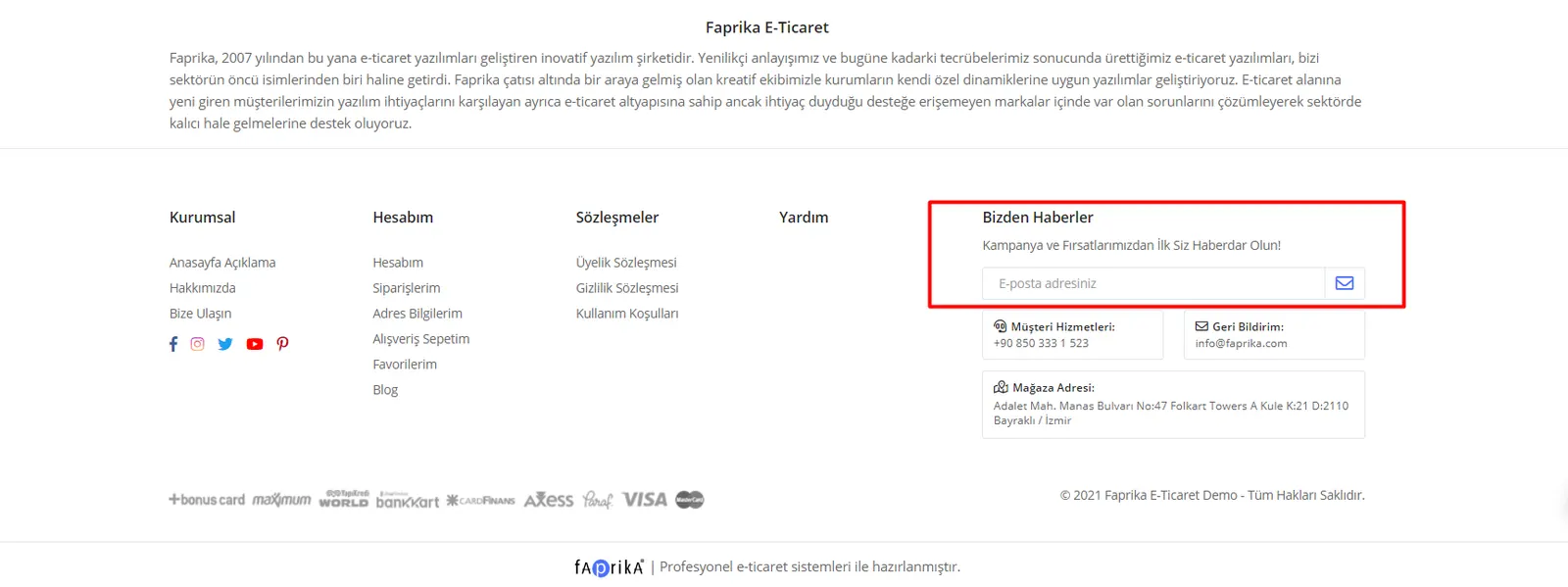
It is located in the footer section of your site’s home page. Your users or guests can subscribe to your newsletter from this area.
How Can I Access My Newsletter Subscribers?
After accessing the “Campaign Management >> Newsletter Subscribers” screen, you can list the users who have subscribed to your newsletter. If you wish, you can also search your subscribers within specific date ranges or by entering a specific email account.
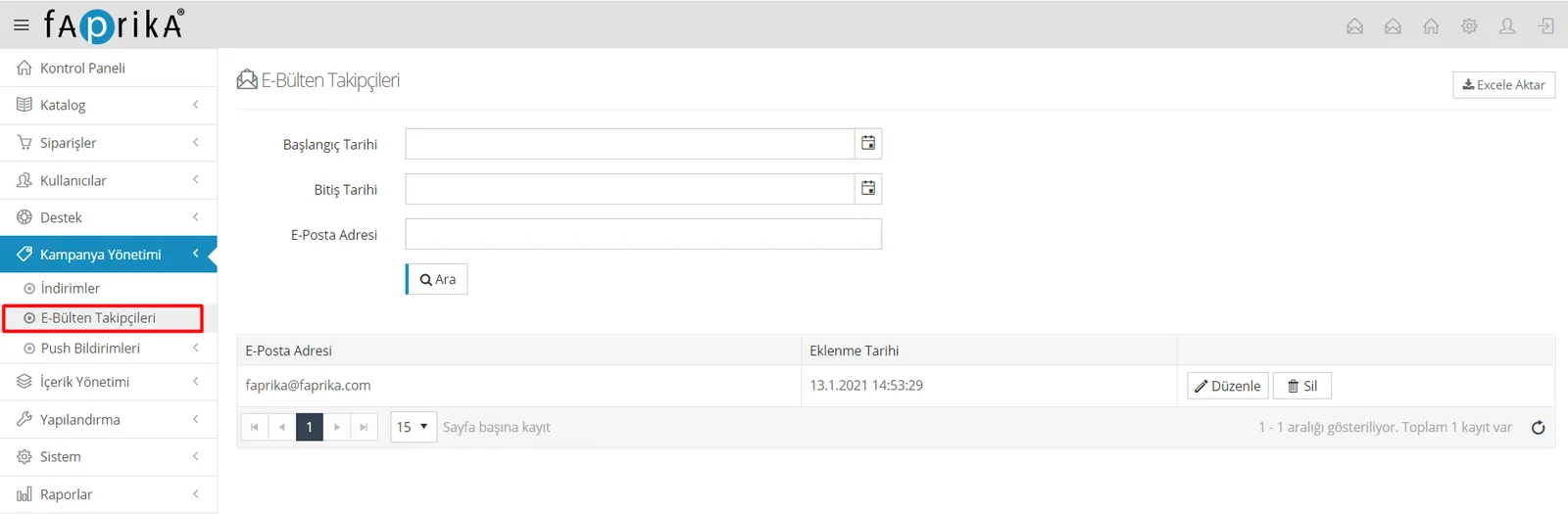
On this screen we can see our subscribers’ registration dates, and if we wish, we can click the “Export to Excel” button at the top right to export all our subscribers’ data to an Excel file, which makes it easier to later send emails in bulk.